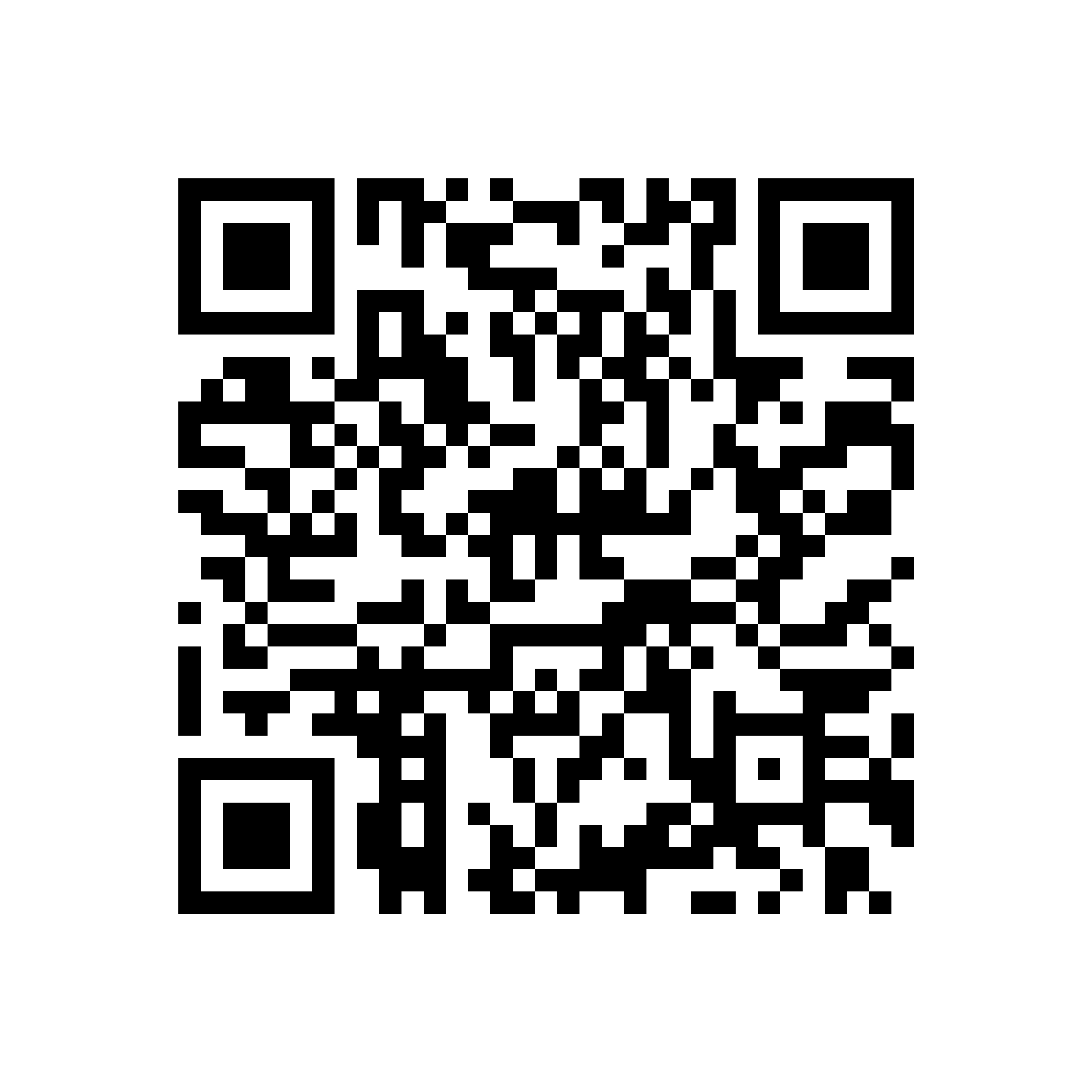
Kindred Hive Site QR Code
Print-use guide for cards, apparel, keychains, packaging, and signs.
Destination
https://kindred-hive.madethis.appUse these files
- SVG download: Best for Cricut, laser work, print shops, and any design that may be resized.
- PNG download: 3000 × 3000 px; best for heat-transfer artwork, online graphics, and quick layouts.
- Both files are plain black on white with error correction level H and an 8-module white quiet zone.

Keep it scannable
- Do not crop, cover, recolor, outline, or place artwork inside the code.
- Keep the full white border around all four sides.
- Use a solid light background and avoid glossy glare, seams, folds, or textured surfaces.
- Scan-test one finished sample with at least two phones before producing a batch.
Minimum finished print size
| Use | Recommended size | Notes |
|---|---|---|
| Business cards & packaging | 1 in / 25 mm square | Use the SVG whenever possible. |
| Keychains | 1.25 in / 32 mm square | Laser engraving needs high contrast and a smooth, flat face. |
| Shirts & hats | 1.5 in / 38 mm square | Place on a flat area; do not wrap it over a seam or curve. |
| Signs & displays | 2 in / 51 mm square or larger | Increase the size for longer viewing distances. |
Quick placement rule
Leave at least the same clear white space around the printed QR code as the width of its outer white border. If the code is placed on a dark or colorful item, print it on a white square label or white panel rather than directly on the color.